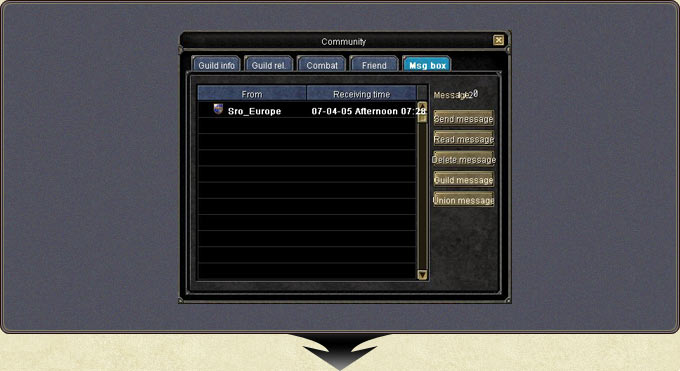
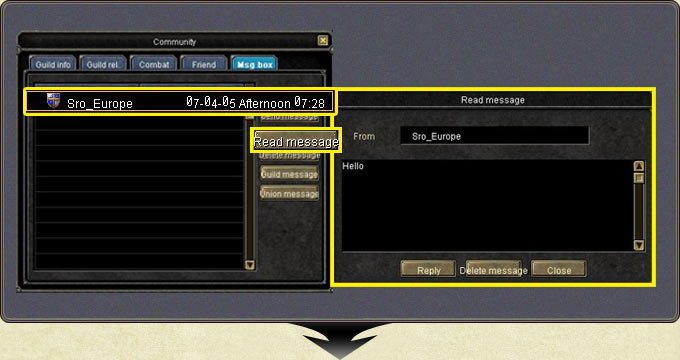
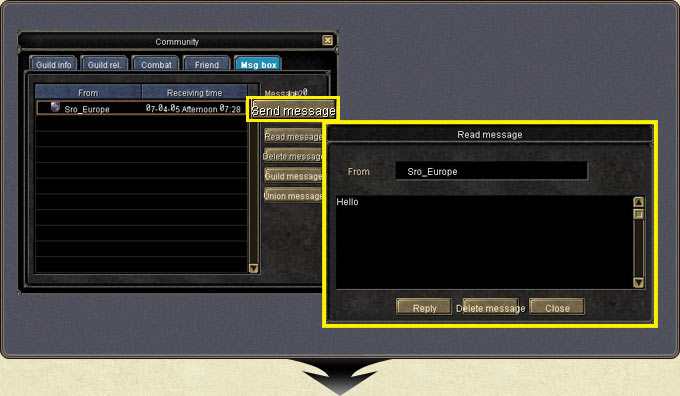
Messages are reached from the Message tab of the community window (U). A received message is read with Read Message or a double click; the Reply button in the reader opens the composition window.
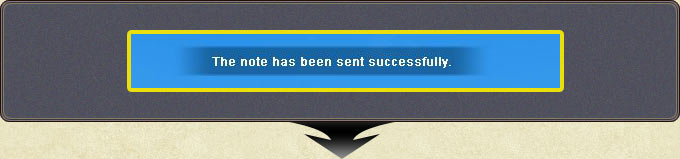
Pressing Send brings a confirmation window; whether delivery succeeded or failed is shown in the window.
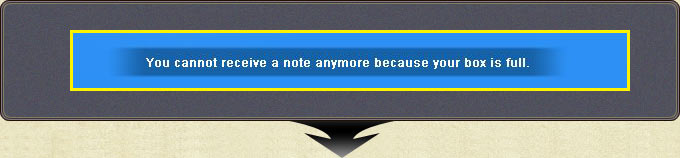
The box stores up to 20 messages in order of arrival; a full box cannot receive new ones.
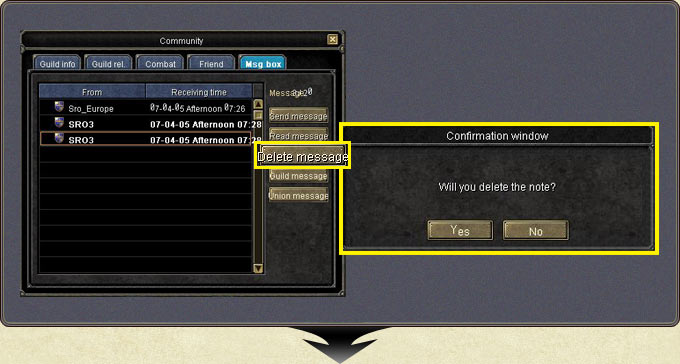
Selecting a message and pressing Delete brings a confirmation; note that unread messages can be deleted too.
Message — the Message tab of the community window (U)Message — reading a messageMessage — the reply window via ReplyMessage — the send confirmationMessage — the delivery statusMessage — the delete confirmationMessage — the message box (up to 20 messages)