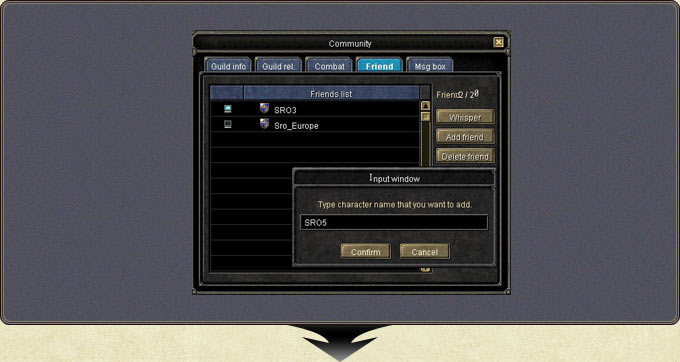
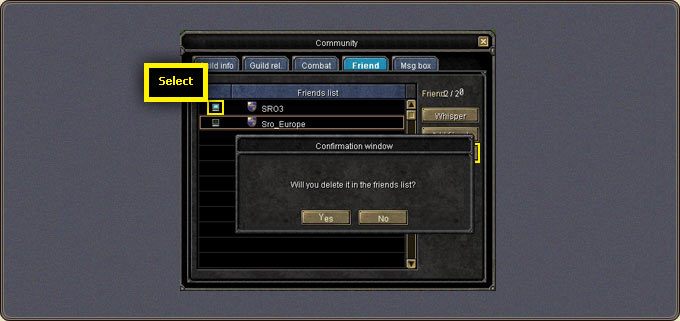
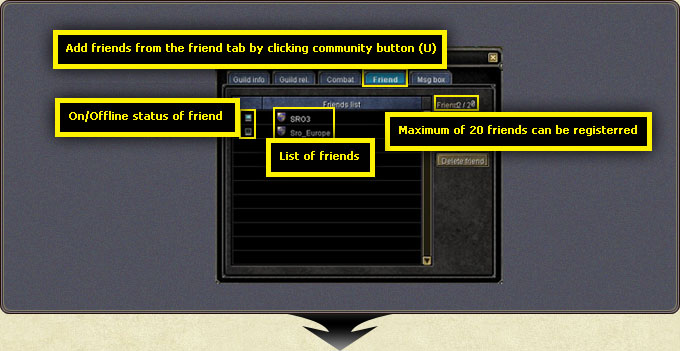
From the Friends tab of the community window (U), friends are added/removed, online/offline status is tracked and whispers are sent.
Pressing Add Friend opens the name input window. The character being added must be online; without acceptance no entry is created.
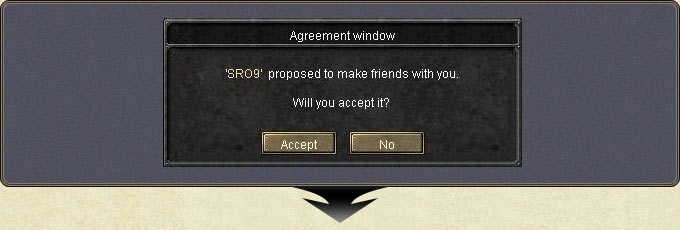
After entering the name and pressing Confirm, the other player receives an accept/deny window; on acceptance both lists update.
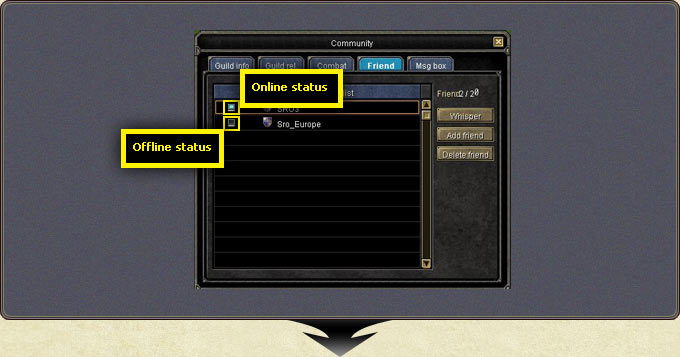
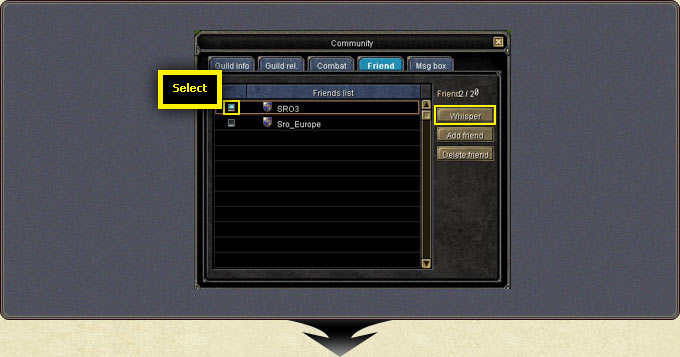
In the list, an online friend's icon is lit and an offline one's is off. Selecting a friend fills the chat line with the whisper format ($charactername).
Adding Friends — the Friend tab and the Add Friend windowAdding Friends — the other side's approval windowAdding Friends — the updated friends listAdding Friends — the online/offline indicatorsAdding Friends — whispering from the list ($charactername)Adding Friends — removing a friend