Selling Items Selling Items
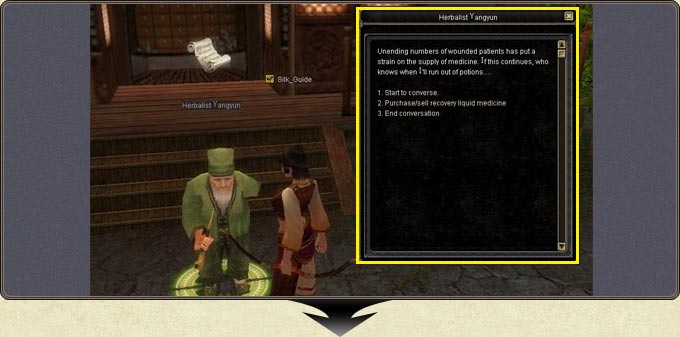
- Selling starts from the same dialogue window; the trade option covers both buying and selling.
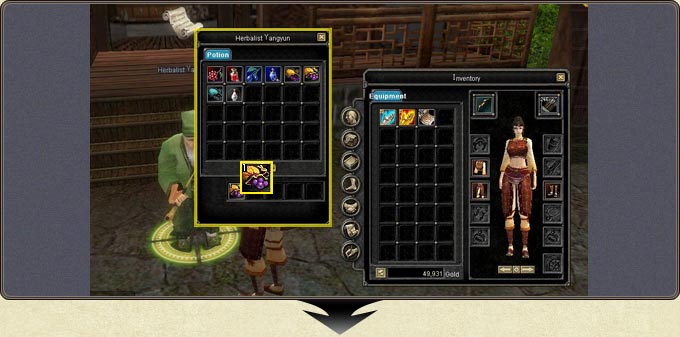
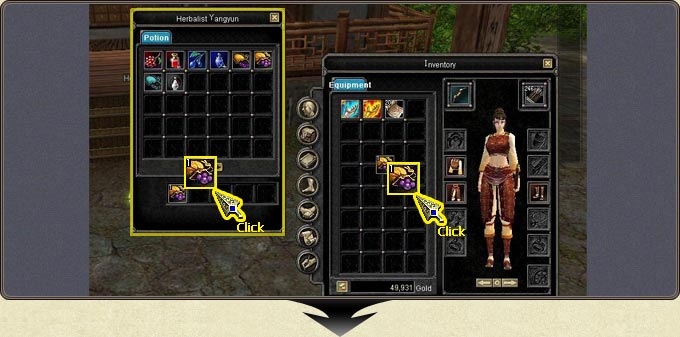
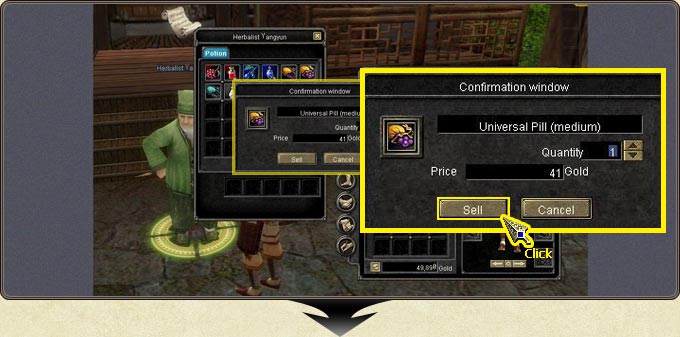
- Click the item in your inventory and drop it into the NPC window.
- The confirmation window that opens shows the item name, the Quantity and the Price you will receive; Sell completes the sale.
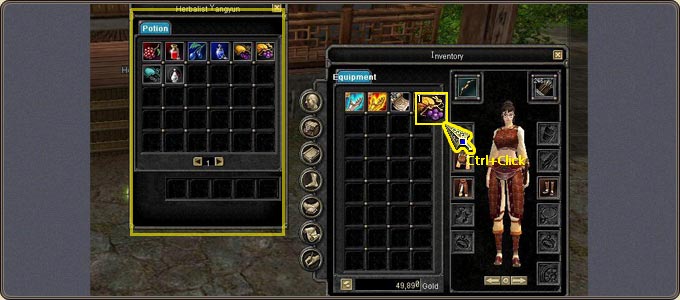
- Ctrl + click sells the item directly without waiting for confirmation.
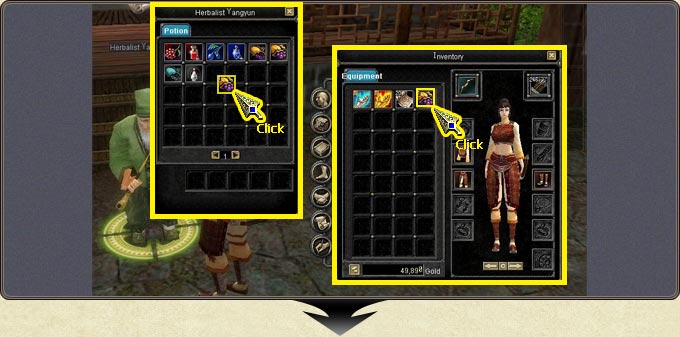
The buy-back area: A sold item lands in the slots at the bottom of the NPC window. An item sold by mistake can be bought back from there — so if you sold something valuable, check it before closing the NPC window.