Acquiring Items Acquiring Items
- Items and gold are collected by hunting, and also come from quest rewards and player trade.
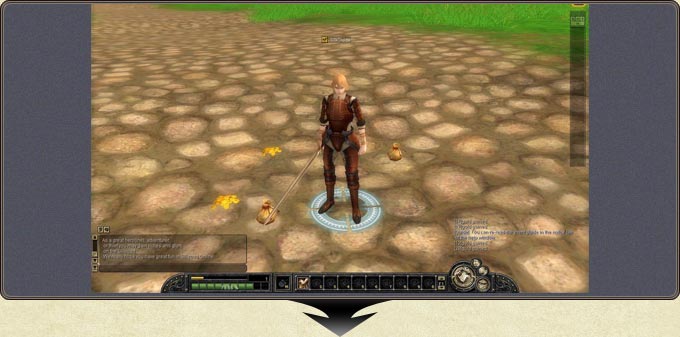
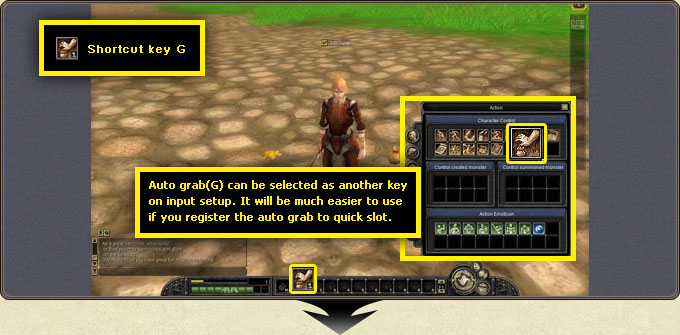
- To pick up a dropped item, click it, press G on the keyboard, or use auto grab from the action menu.
Auto grab sits in the Character Control section of the action window and works with the G shortcut. It can be reassigned to another key in the input setup, and registering it to a quick slot makes it much easier to use.
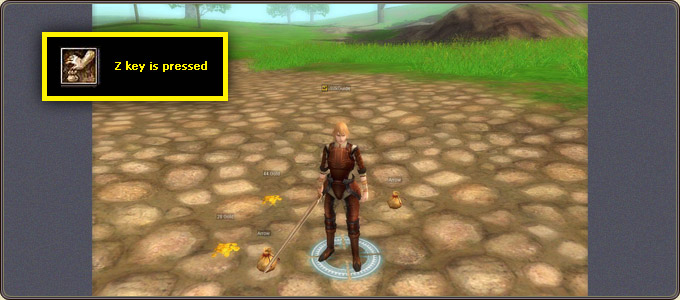
Pressing Z reveals the names of all items lying on the ground at once, making it easy to choose what to take among crowded drops.