Pet: About the System The Pet System
In the world of Silkroad, pets are mainly divided into two groups: Task Pets with special functions, and Growth Pets that become more advanced. Task pets perform many functions to assist the player, such as picking up items and providing inventory space. Growth pets become more advanced as they gain EXP and fight alongside the player.
Features
| Task Pets | Growth Pets | ||
|---|---|---|---|
| Pick Up Items | Picks up items on behalf of the player. | Growth | Gains EXP and grows. |
| Inventory | Provides additional storage space. | Combat Capability | Joins in combat alongside its master. |
| Invincible | Is not targeted by monsters and does not die. | Death | May die from monster attacks or from hunger. |
| Summoning Time | Summoned only for a pre-determined amount of time. | Metamorphosis | Outer appearance changes as it reaches certain levels. |
| Summoning Time | Summoned for an unlimited amount of time. | ||
Summoning Pets
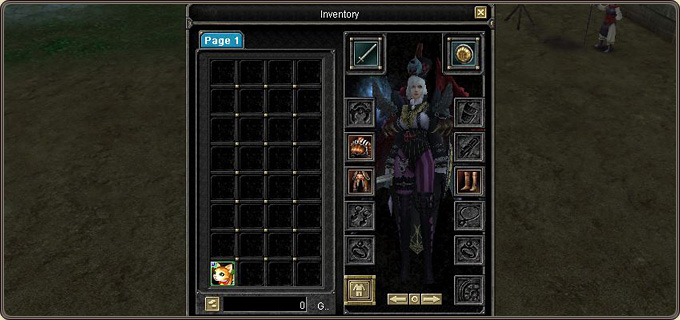
When a pet is purchased, the player is given the rights to the pet. Right-click the summoning item in the inventory to summon it.
Dismiss
- When a pet is dismissed, the summoned pet returns to its item form and goes back to your inventory.
- To dismiss your pet, type '/dismiss' in the chat window or click the dismiss icon (shortcut: PgUp).
- Once dead, growth pets cannot be summoned — they must first be revived with the Grass of Life.
- If summoning time remains, pets can be summoned anytime, anywhere.
- If the pet is engaged in combat or the player character is dead, the pet cannot be dismissed.
- If Free PvP is enabled (cape equipped), the summoned pet is dismissed and cannot be re-summoned until Free PvP is disabled.
Naming Pets
- You can name your pet as you wish; once entered, the name can no longer be altered.
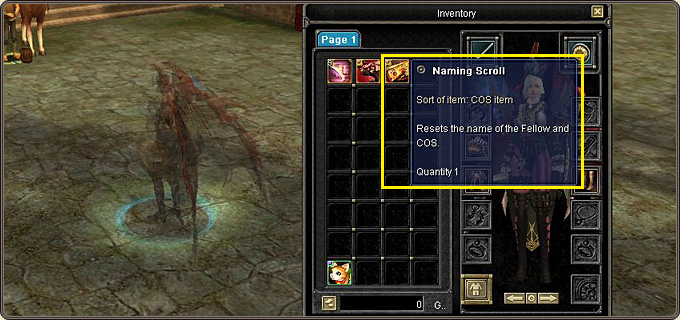
- However, you can use the Naming Scroll to reset your pet's name (purchasable at the Item Mall).
Recovery / Resurrection
- Task pets are invincible and cannot die, but are subject to a limited summoning time and can only be used within it.
- When the summoning time expires, the Time Extension item extends it.
- Growth pets die when they sustain damage beyond their HP, or when their Hunger reaches 0.
- Hunger increases over time; below a certain level the pet cannot function fully. Hunger is restored with food items.
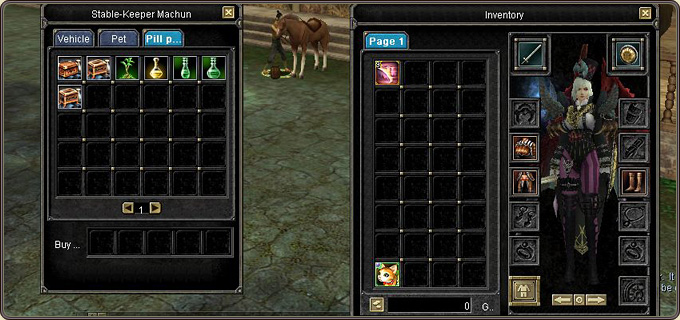
- Recovery and resurrection items are purchased from the Stable NPC in each town.
Giving Orders
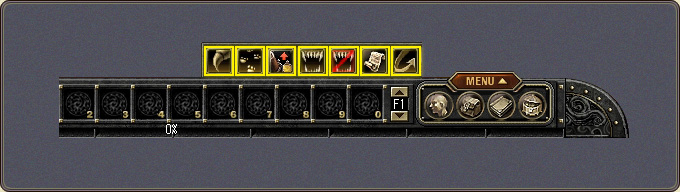
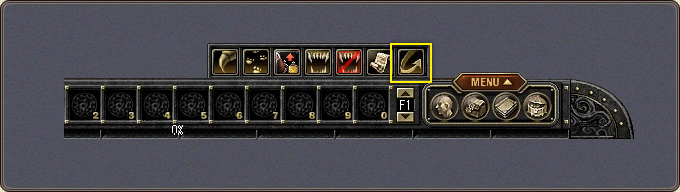
You can order pets to take certain actions. Orders are given by typing them in the chat window, clicking the appropriate icon, or using the shortcut key.
Pets and PK Rules
- Gold Pets are subject to the same PK rules as those between player characters.
- Like player characters, they can force-attack and receive force-attacks from other characters.
- When a pet kills another player character or their pet, the attacking character and pet receive murderer status.
- Conversely, when another player kills your pet, that player and their pet receive murderer status.
- During a Guild War, however, a pet out of its master's sight is considered a lost pet.