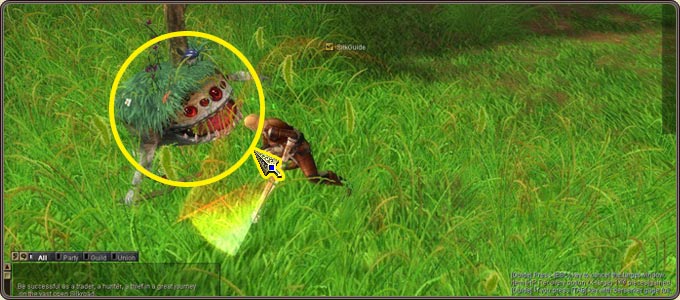
When a monster is selected the mouse cursor turns into a sword-shaped icon; clicking again makes the character start attacking, and it keeps attacking unless you move the character.
To attack right away, double-click the monster from the start or use CTRL + left mouse button on it.
The monster name's color shows its level relative to yours; monsters near your level give the most efficient experience.
Slain monsters drop items and gold; drops are picked up by clicking, with the G key or by a task pet.