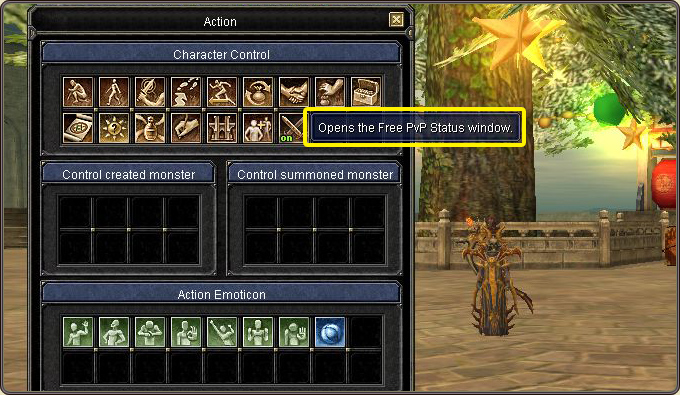
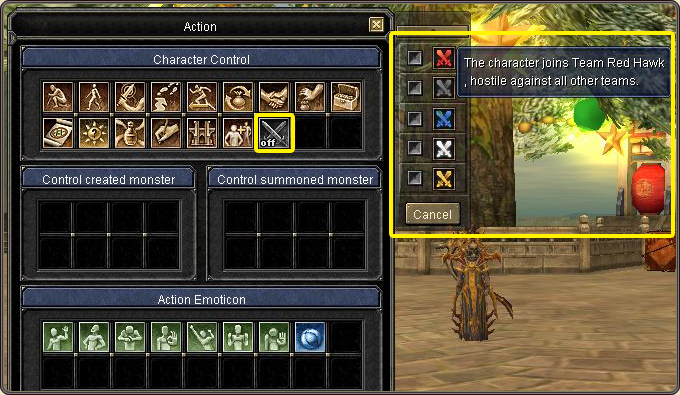
Press A to open the Character Action window and right-click the Free PvP action key to bring up the Free PvP Status window.
Select a team in the Free PvP UI; the chosen team is displayed overhead. Using a cape renders the helmet invisible.
Team capes are used by mounting them in the event slot; a mounted cape enables free showdown with players wearing a different cape.
The Free PvP icon over a character's head denotes willingness to engage; other characters displaying the icon can attack them at any time.
Force-attacking friendly players of the same color with the Alt key counts as general PK and renders the attacker 'Chaotic'.
The Action window (Character Control): the button that opens the Free PvP Status windowThe Free PvP Status window: team selection and entering the mode